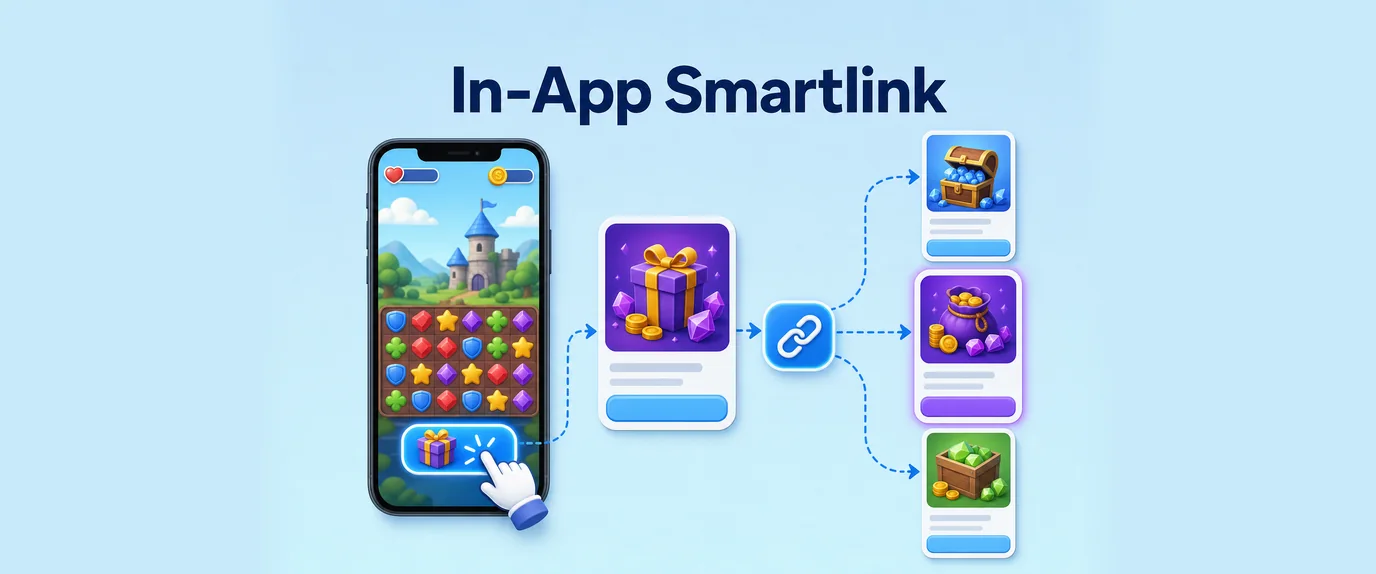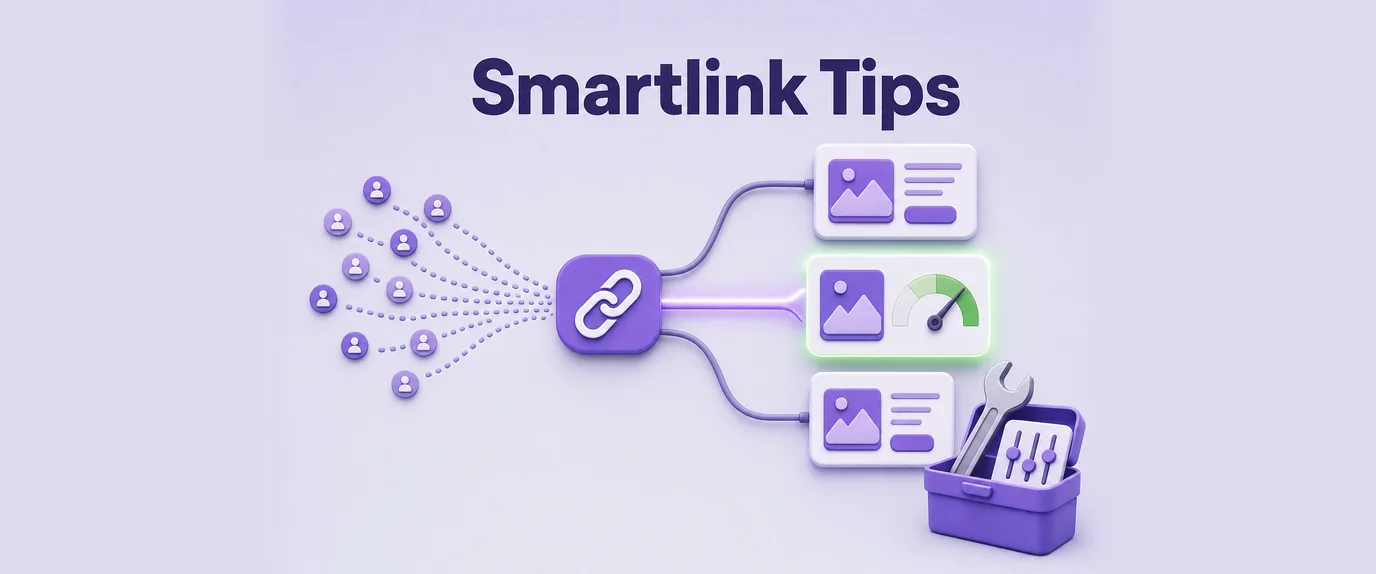
Smartlink advertising has become one of the most efficient monetization and traffic optimization models in performance marketing. Instead of sending users to a single offer, Smartlinks dynamically route traffic to the most relevant landing pages or offers based on user behavior, geo, device, and other signals. However, without proper optimization, even the best Smartlink campaigns can underperform. Below are proven strategies to significantly improve conversion rates and overall ROI.
Understanding Smartlink Ads
Smartlink ads are automated redirect links that analyze user data in real time and match visitors with the most profitable offer from a pool of advertisers. They are widely used in affiliate marketing, CPA campaigns, and traffic monetization networks.
Key advantages:
- Automatic offer rotation
- Geo-targeting and device optimization
- Reduced need for manual A/B testing
- Higher fill rates for global traffic
But success depends heavily on traffic quality, optimization strategy, and continuous testing.
Key Performance Metrics to Track
To improve Smartlink performance, you must monitor the right KPIs:
- CTR (Click-Through Rate)
- CR (Conversion Rate)
- EPC (Earnings Per Click)
- Bounce Rate
- Geo performance breakdown
- Device-based performance (mobile vs desktop)
Without tracking these metrics, optimization becomes guesswork.
Smartlink Ads Optimization Tips
1. Segment Your Traffic Sources
Not all traffic performs equally. Separate traffic from social media, push notifications, native ads, SEO, and email campaigns. Each segment may require different Smartlink settings.
2. Focus on High-Value GEOs
Tier-1 countries (USA, UK, Canada, Australia, Germany) usually generate higher EPCs. However, Tier-2 GEOs can sometimes outperform due to lower competition.
3. Optimize for Mobile First
Over 70% of Smartlink traffic is mobile. Ensure landing pages load quickly and are mobile-optimized to reduce bounce rates.
4. Use Pre-Landing Pages
Prelanders warm up users before they hit the offer page. This increases trust and improves conversion rates significantly.
5. Rotate Traffic Sources
Avoid sending all traffic to a single Smartlink. Use multiple links with different configurations for better distribution and testing.
6. Test Offer Categories
Some Smartlinks allow vertical targeting (dating, finance, gaming, sweepstakes). Testing different verticals can uncover hidden high-performing segments.
7. Blacklist Poor Performing Zones
Exclude GEOs, devices, or browsers that consistently generate low EPC or high bounce rates.
8. Improve Page Load Speed
Even a 1-second delay can reduce conversions by up to 20%. Optimize images, scripts, and hosting performance.
Optimization Strategies Comparison Table
| Strategy | Impact on Conversions | Difficulty Level | Recommended For |
|---|---|---|---|
| Traffic Segmentation | High | Medium | All marketers |
| GEO Targeting | Very High | Low | Beginners & advanced users |
| Mobile Optimization | Very High | Medium | All campaigns |
| Pre-Landing Pages | High | High | Advanced affiliates |
| Offer Rotation | Medium | Medium | Scaling campaigns |
| Blacklisting Traffic | High | Low | Performance optimization |
| Page Speed Optimization | Very High | High | Technical marketers |
| Vertical Testing | Medium | Medium | Intermediate users |
Advanced Scaling Tips
Once your Smartlink campaign is stable, focus on scaling:
- Increase budget gradually (10–20% per day)
- Duplicate high-performing ad sets
- Expand to similar GEO clusters
- Use AI-based optimization tools if available in your network
- Continuously refresh creatives to avoid ad fatigue
Scaling too fast without optimization can quickly reduce ROI.
Common Mistakes to Avoid
- Sending mixed-quality traffic into one Smartlink
- Ignoring device-level performance differences
- Not testing multiple traffic sources
- Overlooking bounce rate signals
- Using outdated creatives for long periods
Avoiding these mistakes can dramatically increase profitability without increasing traffic costs.
Conclusion
Smartlink ads can be extremely profitable when properly optimized. The key is not just driving traffic but understanding how different segments behave and continuously refining your strategy. By focusing on segmentation, GEO optimization, mobile performance, and constant testing, you can significantly improve conversion rates and maximize earnings from every click
FAQ: Smartlink Ads Performance Optimization
1. What are Smartlink ads in affiliate marketing?
Smartlink ads are automated affiliate links that dynamically redirect users to the most relevant offer based on GEO, device type, traffic source, and behavioral signals to maximize conversions and revenue.
2. How can I improve conversion rates with Smartlink campaigns?
You can improve conversion rates by segmenting traffic sources, optimizing campaigns for mobile users, using pre-landing pages, focusing on high-performing GEOs, and continuously testing different offers and verticals.
3. Why is GEO targeting important for Smartlink performance?
GEO targeting ensures users are matched with offers that perform best in their region. Tier-1 GEOs often generate higher EPC, while Tier-2 and Tier-3 regions can provide scalable volume at lower costs.
4. Do pre-landing pages increase Smartlink conversions?
Yes, pre-landing pages help warm up users before they reach the offer page, building trust and reducing bounce rates, which often leads to significantly higher conversion rates.
5. What are the most common mistakes in Smartlink advertising?
Common mistakes include mixing low-quality traffic sources, ignoring mobile optimization, failing to test multiple traffic segments, and not blacklisting underperforming GEOs or devices