In performance advertising, push notification channels remain among the most reliable drivers of scalable, high-intent user acquisition. However, media buyers frequently bundle Classic WebPush and In-Page Push (IPP) into a single campaign strategy. Treating these two distinct formats interchangeably leads to misallocated ad spend, depressed Click-Through Rates (CTRs), and skewed attribution modeling.
While both formats utilize floating alert-box creatives, their underlying tech stacks, browser permissions, delivery environments, and user psychology are fundamentally different.
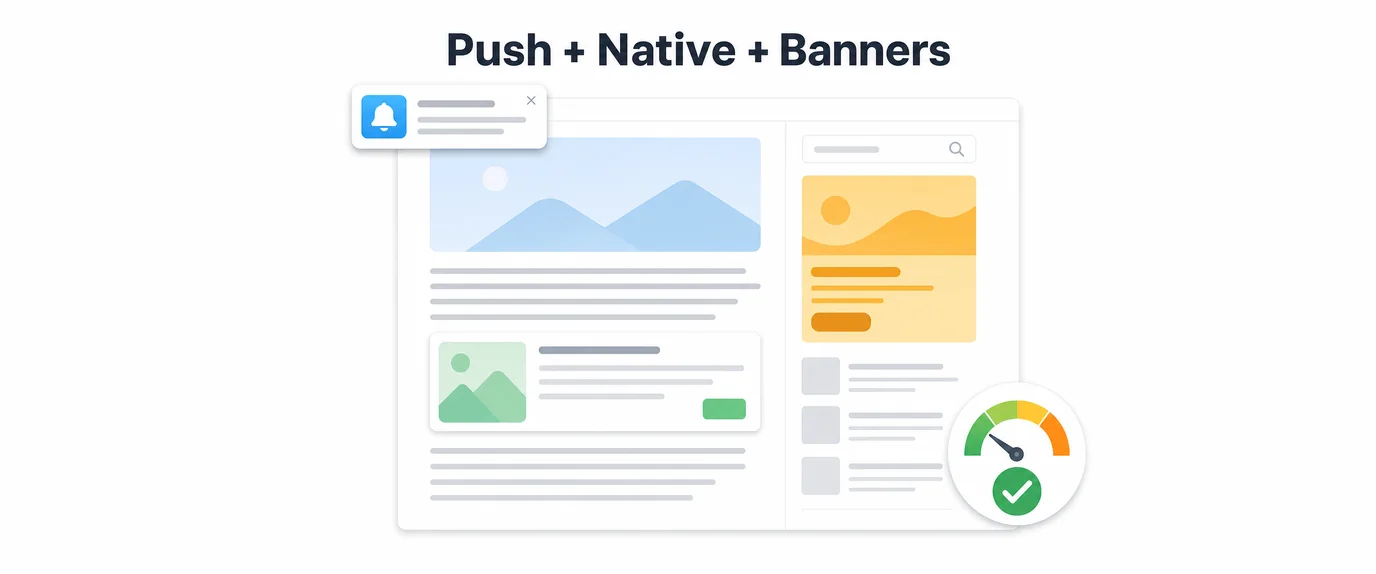
Classic WebPush relies on background browser Service Workers and explicit opt-in permissions, making it a retention-heavy subscription asset. In-Page Push renders directly within a publisher’s active DOM viewport, operating as a high-volume, platform-agnostic performance discovery format.
Understanding these technical and behavioral differences allows performance marketers to select the optimal format per vertical, monetize high-LTV iOS traffic, and construct hybrid acquisition funnels.
1. The Architectural Divide: Service Workers vs. DOM Viewport Rendering
The primary distinction between Classic WebPush and In-Page Push lies in how the ad creative is delivered and executed on the user’s device.
[CLASSIC WEBPUSH PIPELINE]
Publisher Webpage ──► User Opt-In Prompt ──► Service Worker Registered ──► Background APNs/FCM Push ──► OS Lockscreen Alert

[IN-PAGE PUSH (IPP) PIPELINE]
Publisher Webpage ──► Dynamic JS Tag Executed ──► Renders Native DOM Alert Card ──► Viewport Display (Zero Permission Needed)
Classic WebPush Architecture:
- Permission Dependency: Requires the user to grant explicit notification permissions (
Notification.requestPermission()) via a native browser prompt. - Background Delivery: Delivered asynchronously via vendor push services—such as Firebase Cloud Messaging (FCM) for Android/Chrome or Apple Push Notification service (APNs) for Safari—even when the user is not actively browsing the publisher’s site.
- OS-Level Rendering: Appears as a native system notification inside the OS Notification Center or lock screen.
In-Page Push (IPP) Architecture:
- Permissionless Execution: Operates entirely without browser permission prompts. The creative is dynamically injected into the Document Object Model (DOM) of the webpage the user is currently viewing.
- Viewport Bound: Displayed in real time only while the user is actively engaged on a publisher’s site. Once the user closes the browser tab, impression delivery ceases.
- Platform Agnostic UI: Renders consistently across every modern browser engine (Blink, WebKit, Gecko) using lightweight HTML5, CSS3 floating containers, and JavaScript triggers.
2. Platform Accessibility: Overcoming the iOS Monetization Barrier
Platform compatibility represents one of the largest strategic operational differences between the two formats. Because iOS users represent the highest average order value (AOV) and Lifetime Value (LTV) across major verticals (iGaming, Finance, E-Commerce), reaching mobile Safari traffic efficiently is critical.
┌────────────────────────────────────────────────────────────────────────┐
│                        Global OS & Device Reach                        │
│                                                                        │
│  [Classic WebPush] ──► Android, Windows, macOS (Requires PWA on iOS)   │
│  [In-Page Push]    ──► 100% Universal (iOS Safari, Android, Desktop)   │
└────────────────────────────────────────────────────────────────────────┘
Classic WebPush Limitations on iOS:
Apple restricts browser-based push notifications on iOS. WebPush can only reach iPhone users if they install a Progressive Web App (PWA) onto their home screen and subsequently grant notification permissions inside the standalone app environment. This multi-step installation requirement creates a 70%+ funnel drop-off rate for cold traffic acquisition.
The In-Page Push iOS Advantage:
Because In-Page Push is rendered as an HTML banner component inside the active browser viewport, it bypasses Apple’s WebPush restrictions entirely. IPP unlocks 100% of iOS Safari inventory on both mobile and tablet viewports without requiring permission prompts, app downloads, or home-screen shortcuts.
3. User Psychology, CTR Dynamics, and Traffic Intent
Understanding the user’s mental state at the moment of impression delivery directly impacts creative copy selection and pre-lander construction.
[Classic WebPush] ──► Delayed Interruption ──► High Variance in Dwell Time & Immediate Action
[In-Page Push]    ──► Active Session Trigger ──► Instant Attention & High Initial Click Intent
Classic WebPush Psychology:
Classic WebPush notifications arrive at unpredictable times—often while the user is working, navigating non-related apps, or viewing their lock screen.
- Pros: High initial visual prominence and strong brand recall.
- Cons: High subscriber fatigue over time. If the notification arrives at an inconvenient moment, the user swipes it away or ignores it, leading to delayed conversion loops.
In-Page Push Psychology:
In-Page Push triggers while the user is actively reading content, browsing news feeds, or awaiting a download.
- Visual Mimicry: The creative container visually mimics an incoming system message, chat alert, or priority update, breaking banner blindness.
- Real-Time Intent: Because the impression occurs during an active browsing session, user engagement is immediate. Click-Through Rates (CTRs) on IPP average 1.8% to 3.5%, significantly outperforming traditional display banners and classic push broad-casts.
4. Comprehensive Performance Benchmarks
Data compiled across high-volume performance marketing campaigns illustrates the operational differences between In-Page Push and Classic WebPush inventory:
| Performance Metric | In-Page Push (IPP) | Classic WebPush |
| iOS / Mobile Safari Accessibility | 100% Universal (Native Viewport) | Restricted (Requires PWA + Opt-In) |
| Opt-In Permission Requirement | None (Zero Friction) | Mandatory (Notification.requestPermission()) |
| Average Campaign Click-Through Rate (CTR) | 1.80% – 3.50% | 0.45% – 0.90% |
| Bidding Model Options | CPC, CPM, dCPM | CPC, CPM |
| User Engagement Intent | Immediate (Active Browsing Session) | Delayed / Variable (System Tray Alert) |
| Subscriber Retention / Re-Engagement | Single Session Impression | Permanent Subscriber Database |
| Creative Display Window | In-Viewport Sticky Banner | OS Notification Center |
| Top Converting Verticals | iGaming, Crypto, Utilities, VPN, Dating | Sweepstakes, E-Commerce, News, Finance |
| Effective Cost Per Acquisition (eCPA) | Low to Moderate (High Volume) | Moderate to High (Subscriber Decay) |
5. Building a Hybrid Funnel: Pairing IPP Acquisition with WebPush/PWA Retention
Rather than treating In-Page Push and Classic WebPush as competing formats, performance marketers achieve maximum Return on Ad Spend (ROAS) by combining them into a Hybrid Acquisition & Retention Engine.
In this architecture, In-Page Push serves as the broad, frictionless top-of-funnel acquisition channel, while Classic WebPush or PWA push mechanics act as the back-end retention asset.
[Cold Paid Traffic]
       │
       ▼
[In-Page Push Impression (iOS & Android)]
       │
       ▼
[Interactive Pre-Lander / Quiz]
       │
       ├── Primary Action  ──► Direct Offer Registration / First Time Deposit (FTD)
       │
       └── Secondary Action ──► Opt-In Prompt for WebPush / Add PWA to Home Screen
                                       │
                                       ▼
                       [Automated Retention Push Drip]
                         ├── Hour 2:   Unclaimed Welcome Bonus Alert
                         ├── Day 1:    Limited-Time Event / Signal Update
                         └── Day 7:    Re-Activation Promo
Steps to Execute the Hybrid Architecture:
- Top-of-Funnel Scale via IPP: Purchase high-volume In-Page Push inventory across Tier-1 and Tier-2 GEOs to drive immediate, low-CPC clicks to an interactive pre-lander.
- First-Interaction Pre-Qualification: Present a micro-quiz, calculator, or bonus wheel on the pre-lander to warm up user intent and capture the primary conversion (registration or sale).
- Secondary Retention Capture: Before redirecting to the advertiser offer page, trigger an opt-in prompt for WebPush or present a native-style PWA installation prompt.
- Automated Re-Engagement Drips: Deploy automated push notification sequences to the subscribed cohort over 30 to 90 days. These zero-cost retargeting messages drive secondary deposits, repeat purchases, and higher user Lifetime Value (LTV).
6. Media Buyer Operational Checklist
Follow this execution roadmap when launching and scaling In-Page Push and WebPush campaigns:
- [ ] Isolate Campaigns by Format: Never mix Classic WebPush and In-Page Push traffic into the same campaign container; optimize bids, creatives, and landing pages separately.
- [ ] Leverage High-Contrast 1:1 Icon Creatives: Ensure IPP icon graphics feature high contrast (neon accents, isolated focal elements) to maintain readability on small mobile screens.
- [ ] Optimize Landing Page Load Speeds: IPP users expect instant page transitions upon clicking a notification card. Keep pre-lander page payloads under 1.5 MB and enable CDN caching.
- [ ] Implement Dynamic Macro Token Tracking: Append device, OS, carrier, and publisher placement IDs (
zone_id,click_id) to landing page URLs to prune underperforming inventory. - [ ] Frequency Cap Impression Delivery: Set IPP impression capping to 1 or 2 views per user per 24-hour window to prevent creative fatigue and banner blindness.
- [ ] Set Automated Bidding Rules: Configure auto-rules in your tracking platform to pause publisher placement IDs that spend 2x target CPA without producing lead registrations or pre-lander button clicks.
By leveraging In-Page Push for immediate, platform-agnostic scale and pairing it with Classic WebPush / PWA retention funnels, performance marketers overcome browser restrictions, lower acquisition costs, and maximize campaign profitability across all device types.