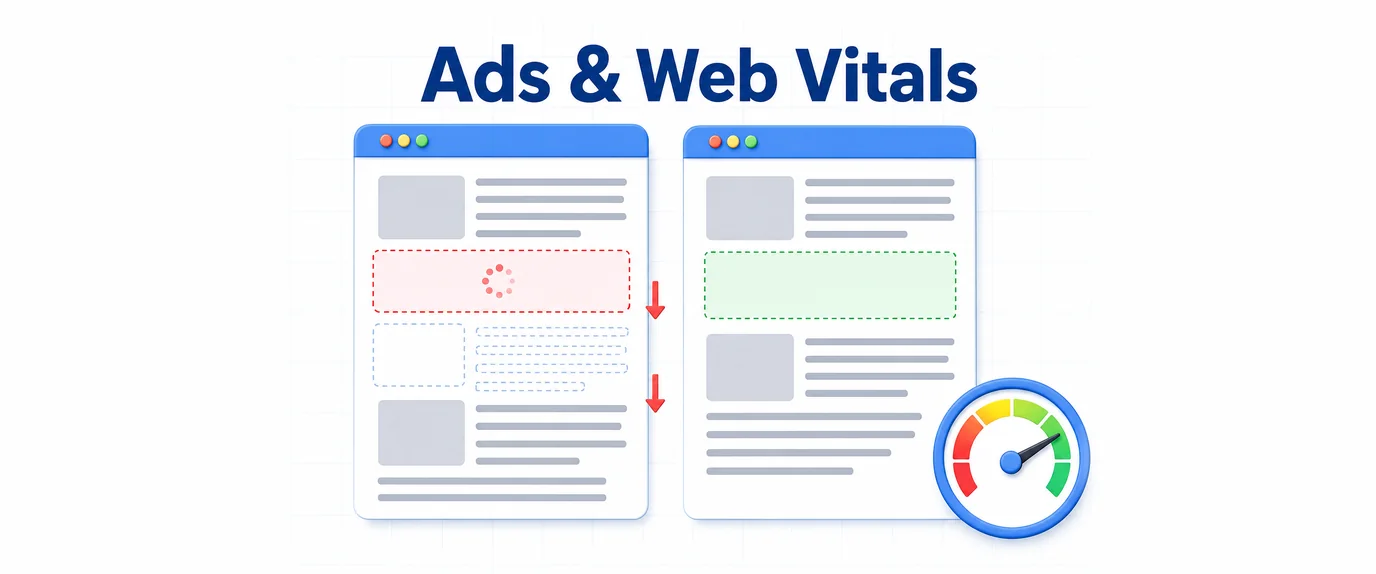
Advertising is a necessary tool for monetization, but it shouldn’t turn your website into a “jumping” obstacle course. When a browser tries to piece together your content and external banners simultaneously, conflicts arise that directly damage your Core Web Vitals scores.
If your CLS and LCP metrics are in the “red zone,” your ad scripts are likely behaving too aggressively. Here is how to bring them under control.
1. CLS (Cumulative Layout Shift): Ending the “Jump”
CLS measures visual stability. Imagine a user has already started reading an article when suddenly a banner “drops in” from the top, pushing the text down. This is a layout shift, and it’s a major UX failure.
Why do ads break CLS?
The core issue is uncertainty. During page load, the browser doesn’t know the dimensions of the ad. It initially allocates 0 pixels. When the ad script finally loads a creative (e.g., 250px high), the browser is forced to instantly redraw the page, shoving content downward.
How to fix it:
- Slot Reservation. This is the golden rule. Wrap every ad unit in a
<div>container with a predefined minimum height via CSS.Pro Tip: If a single slot can display ads of various sizes (e.g., 300×250 or 300×600), reserve space for the maximum possible height. A bit of white space below a shorter banner is far better than a jarring layout shift. - Use the
aspect-ratioProperty. Modern browsers are excellent at handling proportions. If you know a banner will always be 16:9, specify this in your styles. The browser will “claim” that space before the image even begins to load. - Avoid Mid-Content Injections Without Containers. Dynamically inserting ads between paragraphs is a leading cause of instability. Ensure your injection logic always targets pre-existing, empty “boxes” in your layout rather than creating new ones on the fly.
2. LCP (Largest Contentful Paint): Speeding Up the Hero View
LCP tracks the render time of the largest visible element in the viewport. Frequently, this is either your article’s hero image or a massive ad banner at the top of the page.
Why do ads break LCP?
- The Banner as the “Main Character”: If an ad block at the top of the page is larger than your headline or featured image, it becomes the LCP target. Since ads load via a chain of external requests, they are inherently slow.
- Render Blocking: Ad libraries often overload the browser’s main thread. While a script “negotiates” which ad to show, the rendering of your actual content is put on pause.
How to fix it:
- Move Ads “Below the Fold.” This is the most effective strategy. Move banners from the very top of the header to a position below the first or second paragraph. This ensures the LCP element is your own text or a local image, which loads much faster.
- Loading Priorities. Use
fetchpriority="high"for critical content (like your featured image). For ad scripts, strictly useasyncordeferto prevent them from stopping the HTML parser. - Optimize the Request Chain. Reduce the number of intermediaries. Every extra external script requires additional time for DNS lookups and connection establishment, which delays the final paint of the page.
Optimization Strategy Summary
| Metric | Primary Culprit | Technical Solution |
| CLS | Dynamic block height changes | Define min-height for containers |
| CLS | Late-loading fonts in ads | Use system fonts for text-based ad blocks |
| LCP | Heavy banner in the hero area | Move the banner lower or reduce its area |
| LCP | Waiting for ad server response | Use asynchronous loading (async) for all scripts |
The Core Principle of a “Healthy” Site
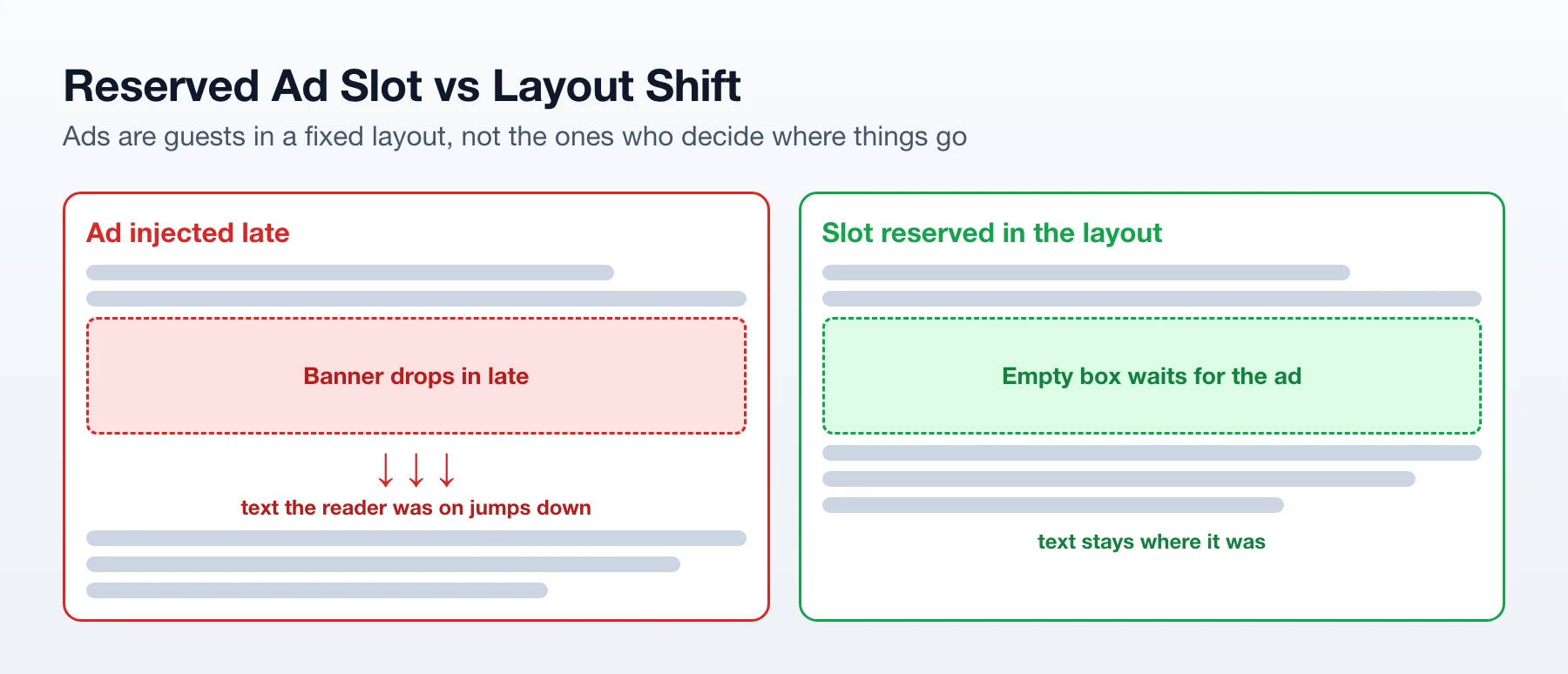
Never let an ad script decide where and how to appear on your page. Your layout should be a rigid skeleton into which ads are inserted as guests. If a “guest” is late, the page simply shows an empty space (or a neat placeholder), but the main content remains stationary and readable.