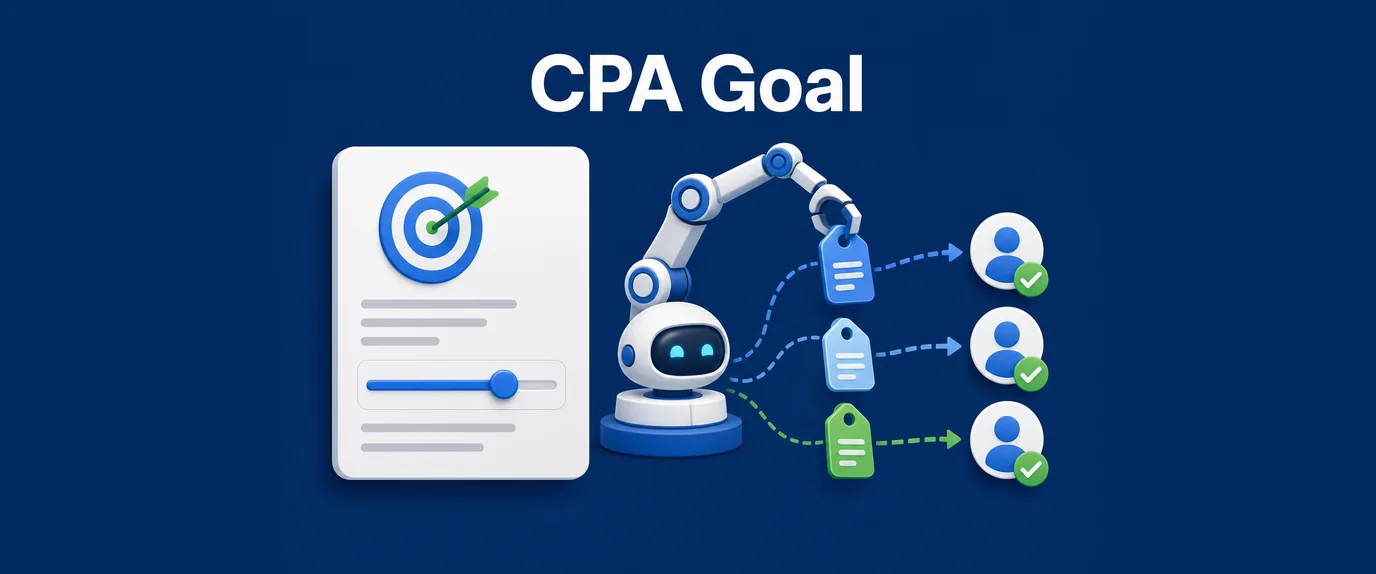
It is an intelligent auto-bidding system powered by machine learning. Unlike older models that simply “cut off” expensive traffic, version 2.0 analyzes the probability of conversion for every single impression.
How it works:
- You set a Target CPA — the maximum you are willing to pay for a registration or deposit.
- The system buys a test volume of traffic to gather initial data.
- The algorithm correlates conversion data with parameters: GEO, device type, OS version, browser, time of day, and specific Zone IDs (placements).
- If a placement fails to convert within your budget, the system automatically drops the bid to a minimum or disables it entirely.
Setting the Right Target CPA
The most common mistake is setting the price too low at the start. If your offer pays $10 per deposit and you set a CPA Goal of $1, the algorithm simply won’t find any traffic that fits such narrow constraints.
The Formula for a Perfect Start:
It is recommended to set your Target CPA at 70–90% of your payout during the testing phase.
Example:
- Offer Payout: $20.
- Smart CPA Goal Start: $16–$18.
- Once the system gathers enough data (finishes learning), you can gradually lower the target to $12–$14 while maintaining volume.
Campaign Life Cycles on Autopilot
To make the algorithm work for you, you need to understand its “state of mind.”
1. Learning Phase
During this period, the system is “feeling out” the market. Don’t panic if the cost per conversion is higher than your target in the first few hours. The algorithm is buying data, not just clicks.
- Pro Tip: Do not touch the campaign! Any changes to settings will reset the learning process.
2. Stabilization Phase
The system has found a “hook” in specific placements. You will see the CPA begin to level out and approach your target value.
3. Scaling Phase
The algorithm identifies where your profit lies and begins aggressively outbidding competitors on converting zones while maintaining your target price.
Comparison: Manual Bidding vs. CPA Goal 2.0
| Parameter | Manual Management (CPC/CPM) | CPA Goal 2.0 |
| Zone Analysis | You do it once a day (at best) | Real-time analysis (24/7) |
| Crisis Response | You burn budget while you sleep | Instantly stops unprofitable zones |
| Testing | High risk of “burning” the budget | Predictable data-driven spending |
| Scaling | Requires manual bid hikes and ROI monitoring | Happens automatically when profit is detected |
3 Golden Rules to Avoid “Burning” Out
- Don’t Skimp on Postbacks: The algorithm is blind if you don’t feed it conversion data. Setting up an S2S Postback is the very first thing you should do before hitting “Launch.”
- Provide a Test Budget: The test budget for a single campaign should equal at least 10-15 target conversions. If you want a $5 lead, put at least $50–$75 into the campaign balance.
- Broad Targeting at the Start: Give the algorithm room to maneuver. Don’t choke the campaign with overly narrow filters (e.g., only one city or one browser version)—let the AI find where your audience is hiding.
The Bottom Line
CPA Goal 2.0 in 2026 is your personal, free analyst. By trusting the budget to the algorithms, you free up time for what a media buyer should actually be doing: finding new funnels and creating high-performance creatives.