Short answer: An ad network for publishers connects your available ad space with advertisers. Before you add it to your website or app, compare payment terms, traffic rules and the controls for unwanted ads. Start with one placement, look at the visitor experience and read the report before expanding.
Checked: October 2026
What a publisher ad network does
Your ad inventory is the space you make available for advertising. A publisher ad network brings inventory from different publishers together so advertisers can buy across it. The IAB describes ad networks as an outsourced sales capability for publishers and a way to aggregate inventory from many sources in one buying opportunity.
For a first review, separate the sales offer from the installation instructions: what you must add to your site or app, how the placement is identified in reports and how to stop it. Decide what you want to monetize (article pages, a content feed or an app screen) and see whether the network supports that environment. A format name alone does not answer the integration question.
Choose a format your visitors can use
Start from the page or screen where the ad would appear and walk through the main task there, such as reading a story or opening the next app screen. Mark one placement to test, then judge the format’s behavior in that spot.
Banner ads
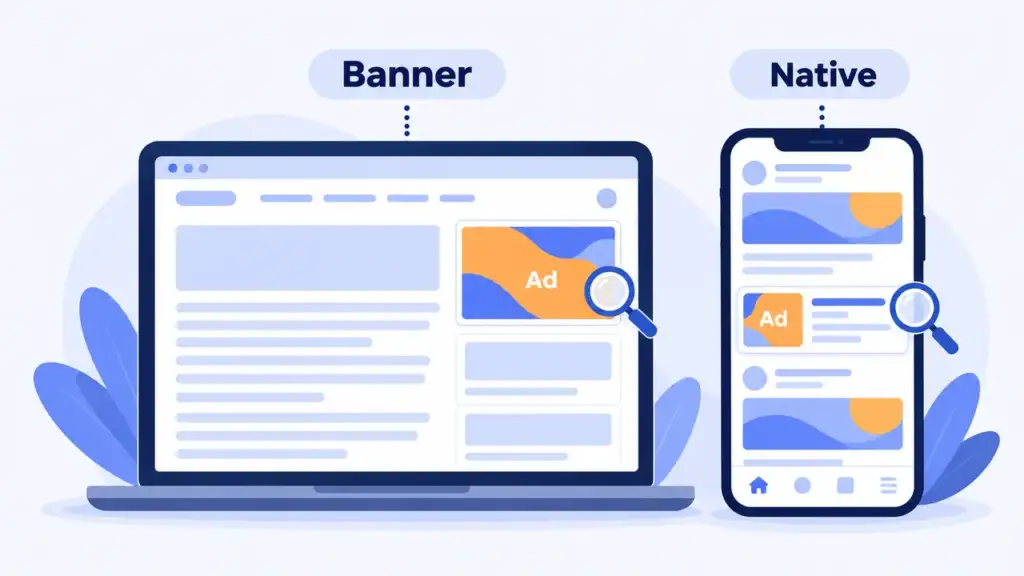
Banners are display ads placed in a defined area of a page or screen. They can use images or interactive creative. Sketch the space on desktop and mobile before adding a tag, and load the ad to see it for real. If the unit covers a button or pushes the article into an awkward layout, move the placement before expanding the test.
Native ads
Native ads follow the surrounding content’s visual style, such as a sponsored card in a feed, so their paid status has to stay clear. US FTC guidance says it is deceptive to mislead people about the commercial nature of content, and that a disclosure, where one is needed, must be clear and prominent. An explicit label such as “Ad” works only if it is readable on a phone, so test contrast and placement. These native advertising examples show how sponsored content fits different settings.
Push ads
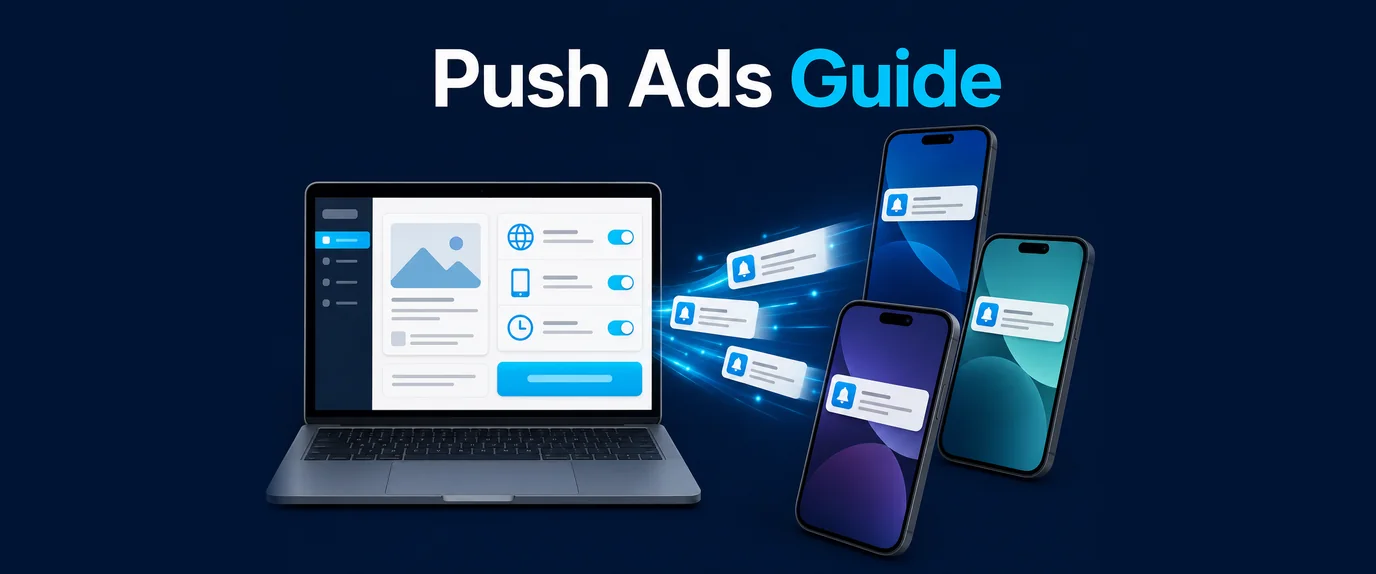
Traditional web push ads use browser or device notifications. Web notifications require user permission, and MDN says to request it only in response to a user gesture, such as clicking a button. Tell visitors what they are subscribing to and how to turn notifications off, and ask the provider to demonstrate the full subscription and delivery flow before you enable it.
Pop ads
Pop formats include ads that appear over a page or open an additional browsing window. The Coalition for Better Ads standards list pop-up ads among the ad experiences that fall below a threshold of consumer acceptability on desktop and mobile web. For formats that open a new window, browsers matter too: MDN says modern browsers have strict popup blocker policies and require popups to be opened in direct response to user input. Test the trigger, the close control and the return to the original content, and decline a placement if you cannot keep the main task usable.
What creates revenue
Read the payment model before comparing reports. These terms describe different billable events:
- CPM: pricing based on ad impressions, conventionally expressed per thousand impressions. Which impressions qualify for payment is a question for the network.
- CPC: pricing based on ad clicks, with rules on how the network validates clicks and handles disputed activity.
- CPA: pricing based on a defined action, such as a purchase or registration, with a rule for which action counts and how it is attributed.
An advertiser’s buying model is not automatically your publisher payment model, so look for the rule that applies to your account and placement, and for whether the displayed amount is estimated, approved or available for withdrawal.
eCPM in numbers
If a report shows eCPM, read it as effective revenue per thousand impressions: revenue / impressions × 1,000. The numbers below are made up to show the arithmetic and are not benchmarks. A placement that served 40,000 impressions and earned $48 has an eCPM of 48 / 40,000 × 1,000 = $1.20. A second placement with 10,000 impressions and $22 has an eCPM of $2.20.
The second placement looks better by eCPM, yet it earned $22 against $48. eCPM compares the quality of impressions, while total revenue also depends on volume, so the denominator matters before you drop or favor a placement. Keep date range, device and country filters the same across the reports you compare, and treat eCPM as a description of past impressions, not a promise about future income.
What to compare before choosing a network
Create a comparison sheet with a column for each candidate and paste the relevant terms beside each answer. Leave unanswered items visible, and send specific questions to support before installing anything.
Payment terms, minimum payout and methods
Copy the payment schedule into your sheet. For a NET schedule, find out which event starts the waiting period (the end of the earning period, approval or an invoice) and when adjustments become final. Record the minimum withdrawal for each payment method, with fees, supported currencies and verification steps. For crypto, note the asset and transfer network; for bank transfers, the recipient details required and whether your country is supported.
The minimum matters more than it looks. Take the made-up placement above, which earns $48 a month. A $100 minimum would take a little over two months to reach (100 / 48 = 2.08), and a $1,000 minimum about 21 months (1,000 / 48 = 20.8), if a balance below the threshold carries over to the next period. Whether it does, and what happens to an unpaid balance if you close the account, should be in writing, together with the terms you reviewed.
Traffic and content requirements
Look at eligibility for your website or app, content category, audience countries and traffic sources, and at whether approval applies to the account, each property or each placement. Ask for a clear answer on any minimum traffic requirement. Describe your real acquisition sources, paid campaigns included, and find out which sources are prohibited and what evidence the network requests in a traffic review. Do not buy extra visits just to reach an entry threshold.
Ad quality controls
Category exclusions, advertiser blocking and a process for reporting a bad creative should be demonstrable. Note which controls you can use yourself and which need support, and whether a restriction applies to one placement or the whole account. Where a safe preview exists, inspect both the creative and its destination. Misleading buttons, unexpected redirects or content outside your agreed restrictions are reasons to pause the placement while the issue is investigated.
Support and reporting
Send a concrete question before launch, such as “How do I pause this placement and report an unwanted ad?”, and judge the answer by whether it contains usable instructions and a contact route for unresolved issues. A sample report or walkthrough should show placement identifiers, date filters, reporting timezone and payment status, and explain how to export results and raise a discrepancy.
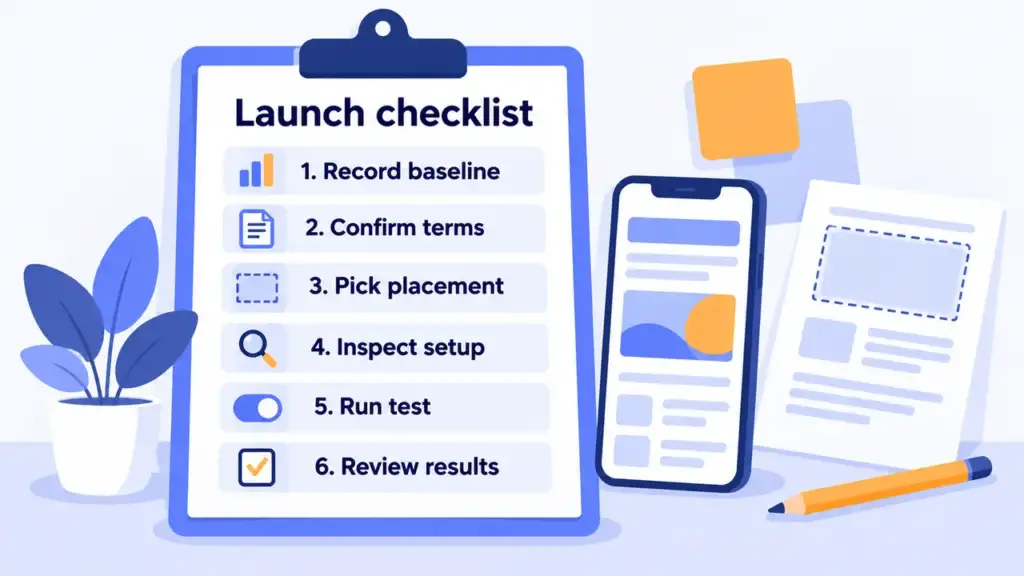
A six-step checklist to monetize your website with ads
1. Record your starting point
Save a dated analytics report for the pages you plan to test, with visits, device mix and audience countries, and note page loading and the main visitor task. You will repeat the same measurements after adding ads.
2. Settle eligibility and terms
Share your property and traffic details with the network, get the approval, payment rules and restrictions in writing, and keep a dated copy. Resolve missing answers before adding the integration.
3. Select one placement
Choose one page template or app screen and one format, name the placement so it shows up in reports, and write a stopping rule, such as pausing if an ad covers navigation or opens an unexpected destination.
4. Install and inspect
Follow the provider’s instructions for your environment, then test desktop and mobile layouts, navigation, ad labels and the pause control. Review the integration’s data collection and any consent requirements with the person responsible for privacy before serving it to visitors.
5. Run a limited test
Keep the scope small and log the launch date, placement settings and later changes. Watch the served ads and visitor complaints, and compare the revenue report on matching dates and filters instead of judging the test from one headline metric.
6. Review results and payment status
Compare the test with your starting report: is the content still easy to use, were there unwanted ads, and do the reported earnings fit the payment rules? Verify payout details through the provider’s documented process, and expand only after open issues are resolved.
Red flags
Stop the selection or pause the test when you see these:
- Vague payment rules. The schedule, threshold, deductions and account closure policy should be available in writing.
- Income promises without conditions. What does the estimate assume? Your own test results are the better guide.
- Instructions to manufacture clicks. Decline, and ask for the written traffic policy.
- Ads disguised as site controls. Capture the placement details, report it and remove it from the test.
- No usable pause or complaint process. See a demonstration before proceeding.
Keep screenshots, dates and placement identifiers with each report, and give support enough detail to investigate without sending visitor personal data.
What small publishers run into
Four things come up again and again when a small publisher builds a project on ad revenue.
The report is not the payout. A network can cut part of the impressions you counted on your side, and it can mark part of the traffic as fraud. Add a long wait for the payout, and a small publisher who is still growing a project has a hard time keeping the business afloat. Ask about discrepancies, fraud marking and the payment schedule before you install anything, and do not plan your costs around the first estimate in a report.
Pasting codes and waiting for money. The usual first mistake is to place the code and expect a lot of income at once. It works better to stay in contact with your manager, tell them about your traffic (countries, devices, what the pages are about) and ask them to optimize your placements. Then the manager can see which formats suit you. The second mistake is to put codes from many networks on one page in the belief that more codes mean more income. Ten ads on a page can look like a lot of revenue, but visitors see an overloaded page and leave.
Time to the first payout. If you run a quick test and then work actively together with your manager, the first payout can come in about 2 to 4 weeks. That is our experience, not a guarantee: the payment terms and the minimum for your method still apply, and the date depends on when your balance reaches the minimum.
Traffic that gets rejected. Expect a network to refuse bots and other non-human traffic, traffic that pretends to be another brand, scam content and malware. If your visits come from any of these, the account is likely to be stopped, however many impressions it shows.
What we see on our exchange
These are our own figures for 1-27 October 2026, shown as relative numbers because what a publisher earns depends on traffic and buyers. Desktop traffic earned about 1.2 to 1.5 times more per 1,000 impressions than mobile: roughly 1.2 times for pop and roughly 1.5 times for push. Mobile still brought almost all of the volume, more than 97% of it. If your audience is mostly mobile, plan around mobile volume, and treat a desktop segment as a smaller part with a higher yield per impression.
Traffic quality is checked in layers. The first layer is the page itself: automatic checks for signs of automation, such as a controlled browser (webdriver), an ad loaded inside an iframe or missing localStorage, removed less than 1% of requests in the same period. That is one layer of protection, applied before IP checks and the filters on the buyer side, and it does not describe how much of any publisher’s traffic is fraudulent.
What GTaro Ads offers
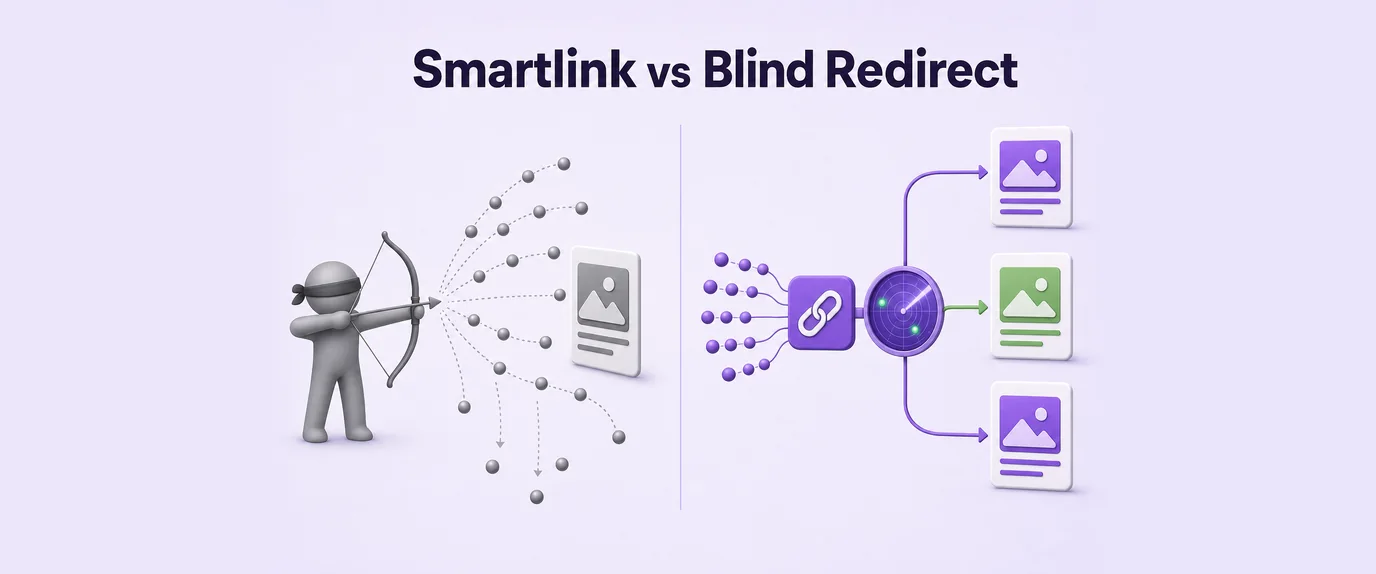
GTaro Ads works with advertisers and publishers. Formats include banner, native and smartlink, and the publisher page describes the publisher offering.
According to that page, payouts follow NET15 terms. Cryptocurrency payouts are available from a $100 minimum, bank transfer from $1,000, and other methods on request. With the example above, that is the difference between about two months and about 21 months to the first payout, so the method you pick matters. How the payment period counts for your account and how the minimums apply to your chosen method are worth confirming with GTaro before you start.
FAQ
What does an ad network for publishers do?
It brings publisher inventory together for advertisers to buy. Identify the placements you want to offer, then compare the network’s integration and payment rules for them.
Can a small website apply?
That depends on the network’s current traffic and content requirements. Send your actual traffic figures and sources and ask whether your property qualifies before installing a tag.
Which ad format should I test first?
One you can inspect and pause easily. Test its layout and behavior on your audience’s devices, then read the report before adding another format.
Does adding more ads mean more income?
Ad count is not a success measure. Compare reported revenue, page behavior and visitor feedback after each change, and remove placements that prevent people from using your content.
What should I do if an unwanted ad appears?
Pause the affected placement, save its identifier, the time, a screenshot and the destination if safely available, report it through the network’s documented channel and verify the fix before resuming.