In 2026, popunder traffic remains one of the most massive and financially accessible lead sources, but buying it using legacy blueprints is a deliberate destruction of your marketing budget. The true enemy of the modern media buyer isn’t strict moderation, creative burnout, or even bots. The real challenge lies within the systemic optimization of modern web browsers.
The Chromium engine (the foundation for Chrome, Edge, Opera, and Brave) is waging an uncompromising war for mobile device energy efficiency and RAM optimization. The Tab Freezing feature, aggressively updated in recent browser builds, instantly halts JavaScript execution, freezes network requests, and stops rendering in any tab opened in the background (behind the user’s active screen).
When a competitor’s standard, “blind” popunder opens in the background, the tracker and heavy landing page scripts fall asleep. By the time the user finally switches to that tab, they face either a blank screen during a prolonged loading process or a broken tracker session that has lost the unique click ID. The result is a catastrophic bounce rate and wasted spend.
Our engineering team developed the Tab Life-Cycle Management algorithm, which is integrated directly into our Neural Clickunder format. This technology bypasses background tab freezing by maintaining micro-pulse thread activity and employing dynamic, deferred initialization of page elements. We conducted a massive split test over a 30-day period to show you exactly how smart tab management impacts ROI.
Part 1. How Tab Freezing Destroys ROI (Technical Context)
Before diving into the numbers, it is crucial to understand the mechanics of the process. As soon as a click event triggers and a pop-window opens, Chromium starts an internal timer. If the tab does not receive focus within 10–15 seconds, the browser forces it into a frozen state.
- Macro-task Throttling:
setTimeoutandsetIntervalfunctions drop their execution frequency to just once per minute or are deactivated entirely. - Network Stream Suspension:
fetchandXHRrequests sent by the landing page to load dynamic content (such as live user comments or the balance on a wheel of fortune) get stuck in an endless queue. - Session Collapse (Session Timeout): Trackers (such as Keitaro, Voluum, etc.) drop the session due to timeouts if too much time elapses between the initial popunder click and the actual page view. The user might eventually trigger a target action, but you get a “empty” conversion with zero payout because the subID was lost in limbo.
Tab Life-Cycle Management solves this at the core traffic delivery layer. By combining lightweight APIs (including background workers and periodic synchronization), the system simulates minimal interface activity, keeping the tab in a passive state instead of frozen. Heavy page assets are withheld from rendering to save CPU resources, but the tracking logic remains fully alive and ready for an instant kickoff.
Part 2. Methodology and Split Test Conditions
- Total Traffic Volume: 40,000,000 impressions, split evenly between the verticals.
- Split Distribution: 50/50 (Randomized at the traffic rotator level).
- Control Group (Group A): A standard “blind” popunder. Scripts and heavy landing page graphics start loading chaotically in the background tab immediately after the click.
- Test Group (Group B): A popunder powered by Tab Life-Cycle Management. Tracking scripts are held in an active standby state, while asset rendering fires precisely at the millisecond the user physically switches to the tab.
- Test Duration: 30 calendar days.
- Tested Verticals: Utilities (VPN, Antiviruses, Cleaner software) and iGaming (Casino, Betting offers).
- Geographical Distribution:
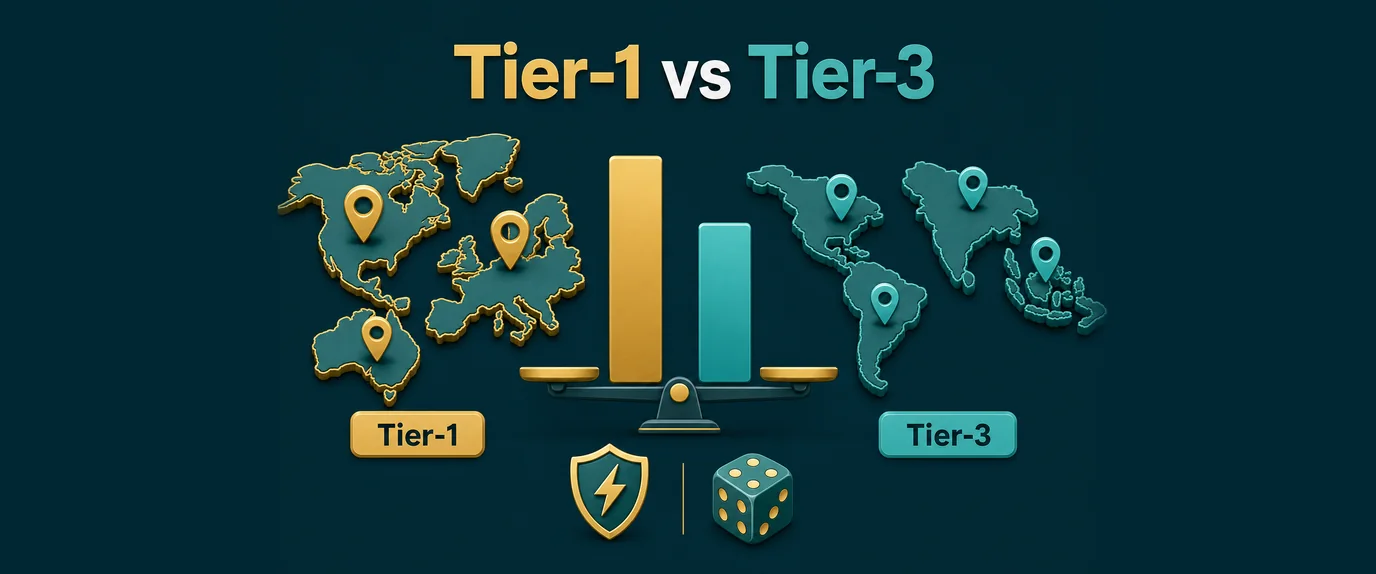
- Tier-1: USA, Germany, UK (high cost-per-click, aggressive power-saving algorithms on flagship devices).
- Tier-3: Brazil, Indonesia, Nigeria (low-cost traffic, abundance of low-end mobile devices with tight RAM limits).
Part 3. Split Test Results: Numbers and Deep Analytics
1. Utilities Verticals (Software, Cleaners, and Security)
For utilities, reaction speed and immediate engagement are everything. A typical pre-lander scenario in this niche involves a “Simulated Device Scan” to catch the user’s attention. If the page stutters or delays upon waking up from a background freeze, the user closes the tab immediately.
Results Summary Table (Utilities):
| GEO and Experimental Group | Bounce Rate | Time to Interactive (TTI) | Average CR (Install) | Average Cost Per Action (CPA) |
| Tier-1 — Group A (Blind) | 42.4% | 4.8 sec | 1.12% | $3.90 |
| Tier-1 — Group B (Life-Cycle) | 11.2% | 0.4 sec | 1.85% | $2.36 |
| Tier-3 — Group A (Blind) | 51.8% | 7.2 sec | 2.10% | $0.24 |
| Tier-3 — Group B (Life-Cycle) | 14.1% | 0.9 sec | 3.05% | $0.16 |
Utilities Data Analysis:
In Tier-1, smart freeze bypassing slashed install costs by 39.5%. Given the high price of traffic in the US and Germany, this translates into thousands of dollars saved daily on a single campaign.
In Tier-3 (Brazil/Indonesia), the bounce rate for the blind popunder exceeded 51%. The culprit here was slow mobile 3G/4G connections. The page, attempting to load while choked in a frozen state, simply drowned in dropped network packets. The Life-Cycle algorithm optimized asset requests, dropping the CPA by 33.3% and boosting the CR to a record 3.05%.
2. iGaming Vertical (Online Casinos, Slots, and Betting)
iGaming landing pages are heavy web apps packed with complex HTML5/Canvas animations (spinning wheels, dropping coins, flashing jackpots). Under Chromium’s background pressures, tabs loaded with this much heavy code often throw an Out of Memory (OOM) error and crash completely before the user even looks at them.
Results Summary Table (iGaming):
| GEO and Experimental Group | Landing Viewability Rate (LVR) | OOM Crash Rate | Average CR (Registration) | Average Cost Per Action (CPA) |
| Tier-1 — Group A (Blind) | 58.1% | 8.3% | 0.44% | $44.00 |
| Tier-1 — Group B (Life-Cycle) | 92.4% | 0.9% | 0.78% | $24.80 |
| Tier-3 — Group A (Blind) | 39.5% | 24.7% | 0.16% | $6.80 |
| Tier-3 — Group B (Life-Cycle) | 88.2% | 2.1% | 0.31% | $3.50 |
Note: LVR (Landing Viewability Rate) represents the percentage of users whose lander fully rendered the moment they switched to the tab.
iGaming Data Analysis:
Tier-3 yielded the most profound shift: the registration conversion rate nearly doubled (+93.7%), while the cost per registration dropped by 48.5%.
Look closely at the OOM Crash Rate for Group A in Tier-3: 24.7%—nearly a quarter of all purchased traffic— turned into dead crash screens because local players’ budget smartphones couldn’t cope with background slot rendering. Deferred initialization in Group B dropped this error rate down to a negligible 2.1%.
Part 4. Technical Implementation: Landing Page Optimization
To squeeze every drop of performance out of Tab Life-Cycle Management, your target landing page must run in perfect sync with the ad format protocols. Webmasters must split their initialization logic: lightweight metric scripts can run in the background, but heavy visual assets must wait for a physical focus event.
Here is the technical template utilizing the Page Lifecycle API and Visual Viewport API used on our test landers:
/**
 * Production-ready Landing Page Lifecycle Manager
 * Integrate this into the <head> tag for tight control over device resources
 */
const TwaLifecycleManager = {
    isAssetRendered: false,
    pingIntervalId: null,
    startTimestamp: null,

    init() {
        this.startTimestamp = performance.now();
        console.log('[Anti-Freeze] Lifecycle control script started.');

        // Verify native Page Visibility API support
        if (typeof document.hidden !== "undefined") {
            document.addEventListener("visibilitychange", () => this.evaluateTabState());

            // Scenario 1: User opened the tab instantly
            if (!document.hidden) {
                this.deployActiveEngine();
            } else {
                // Scenario 2: Tab opened in the background (classic popunder)
                this.enterSafeBackgroundMode();
            }
        } else {
            // Fallback for outdated systems without thread isolation
            this.deployActiveEngine();
        }
    },

    enterSafeBackgroundMode() {
        console.log('[Anti-Freeze] Tab is in background. Entering tracker session preservation mode...');

        // Maintain a minimal pulse to prevent tracker session timeouts.
        // Send a lightweight anonymous ping every 4 seconds without loading the CPU.
        this.pingIntervalId = setInterval(() => {
            if (typeof window.sendTrackerBackgroundPing === "function") {
                window.sendTrackerBackgroundPing();
            } else {
                // Alternative lightweight fetch fallback to your tracker
                fetch('/ping.php?status=background&t=' + Date.now(), { priority: 'low' });
            }
        }, 4000);
    },

    evaluateTabState() {
        if (!document.hidden && !this.isAssetRendered) {
            const timeToFocus = ((performance.now() - this.startTimestamp) / 1000).toFixed(2);
            console.log(`[Anti-Freeze] Tab focused after ${timeToFocus}s. Deploying heavy scripts.`);

            // Clear the background timer to free up the thread
            if (this.pingIntervalId) {
                clearInterval(this.pingIntervalId);
            }

            this.deployActiveEngine();
        }
    },

    deployActiveEngine() {
        this.isAssetRendered = true;

        // Instantly load heavy media resources, casino engines, or scanner simulations
        if (typeof window.initializeHeavyGraphics === "function") {
            window.initializeHeavyGraphics();
        }

        // Initialize interactive UI elements
        document.body.classList.add('js-engine-active');
        console.log('[Anti-Freeze] UI rendering successfully completed in active focus.');
    }
};

// Initialize as soon as the document is ready
if (document.readyState === 'loading') {
    document.addEventListener('DOMContentLoaded', () => TwaLifecycleManager.init());
} else {
    TwaLifecycleManager.init();
}
What This Means for Your Wallet
💰 Profit Breakdown: Bridge to Revenue
- For Media Buyers and Performance Agencies:Buying traffic from legacy popunder networks today amounts to paying for “thin air” and dead browser tabs. You pay for the click, but Chrome’s background algorithms terminate the session before the user even looks at your angle. Moving your budgets to a network supporting Neural Clickunder and smart thread preservation reduces your blended CPA by 35–45%. This instantly turns unprofitable or break-even campaigns into highly lucrative funnels with strong ROI under the exact same ad spend.
- For Webmasters and Site Publishers:When advertisers see that traffic from your site converts consistently and doesn’t dissolve in background freezes, your programmatic auction value climbs. Networks leveraging Tab Life-Cycle Management buy clickunder traffic at higher rates because every click safely lands on its destination. This boosts your total eCPM by up to 50%, all while lowering the CPU strain on your users’ devices and protecting your core site’s user experience.
Key Takeaways of the Large-Scale Experiment
- The tech gap has widened: Relying on standard popunder JS codes guarantees you are bleeding at least a third of your ad spend during the tab’s background idle state.
- GEO dictations matter: In developed regions (Tier-1), you are fighting smart battery-saving features on high-end smartphones. In emerging markets (Tier-3), you are fighting hardware bottlenecks (low RAM) on budget devices. Life-Cycle Management treats both problems effectively but addresses different under-the-hood causes.
- End-to-end synergy wins: The best results (ROI spikes exceeding 80%) occur when the ad network keeps the background thread “alive” and the media buyer utilizes a matching deferred loading script on their target landing page.