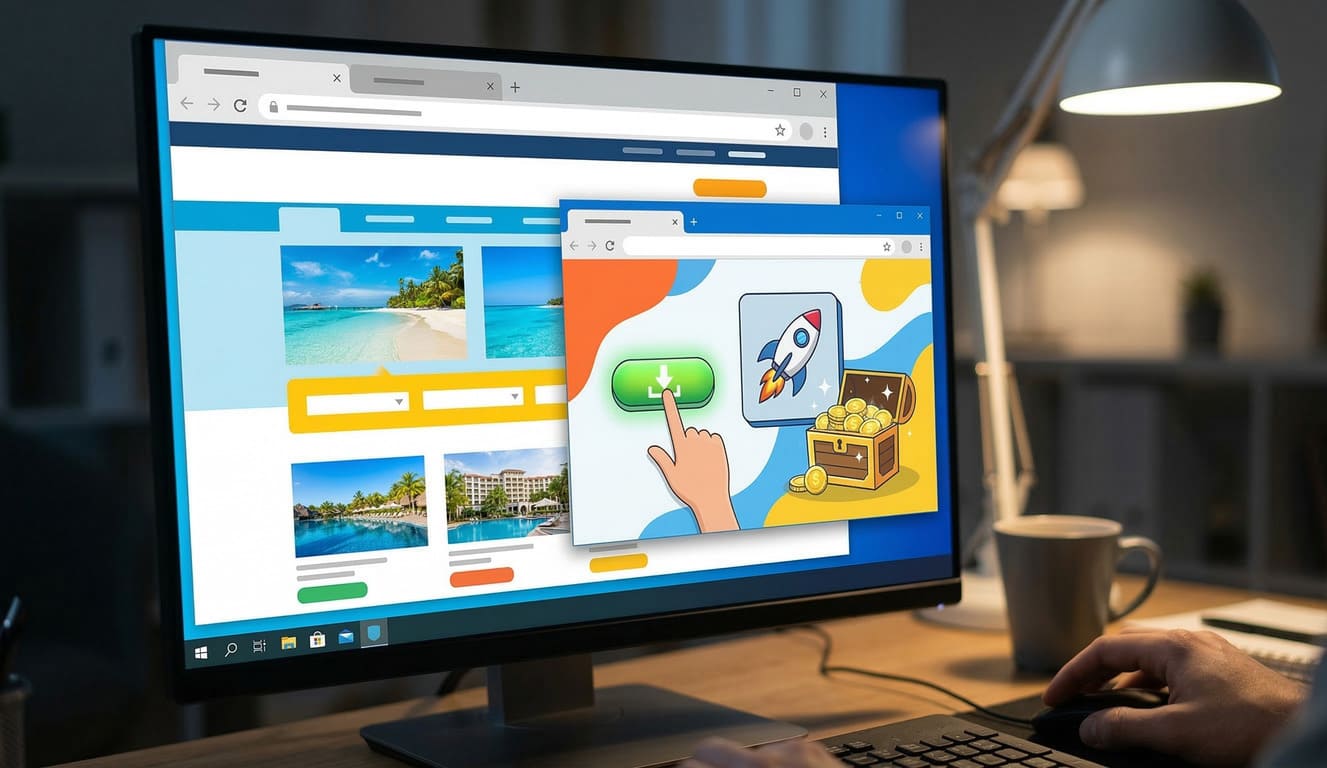
Popunder ads, while effective for driving traffic and conversions, can sometimes cause technical problems that frustrate both users and advertisers. Understanding these issues and knowing how to troubleshoot them can improve campaign performance and ensure a smoother user experience. In this article, we will explore common popunder ad problems, their causes, and practical solutions.
1. Popunder Ads Not Displaying
One of the most common complaints is that popunder ads fail to appear. This can be due to several factors:
- Browser Restrictions: Modern browsers like Chrome, Firefox, and Edge have strict pop-up blockers that prevent popunders from opening automatically.
- Ad Blockers: Extensions such as AdBlock or uBlock Origin may block popunder scripts.
- Incorrect Implementation: Errors in the JavaScript or HTML code can prevent the ad from triggering.
Solution:
- Ensure that the popunder script follows browser compliance standards.
- Test the ad on multiple browsers and devices.
- Encourage users to whitelist your site if popunders are essential for revenue.
2. Popunder Ads Opening Multiple Times
Sometimes popunder ads open multiple windows unintentionally, causing a poor user experience and potentially leading to penalties from ad networks.
Causes:
- Duplicate event triggers in your code.
- Conflicts with other scripts running on the site.
Solution:
- Consolidate your event listeners and use flags to ensure a single trigger per page load.
- Test your website with developer tools to detect script conflicts.
3. Ads Opening Behind the Browser
Popunder ads are designed to appear behind the main browser window. However, certain browsers may block this behavior.
Causes:
- Browser security updates preventing background popups.
- Misconfigured scripts that attempt to open the ad in the same tab.
Solution:
- Update your popunder script to comply with modern browser policies.
- Avoid using outdated JavaScript methods like
window.openwith deprecated parameters.
4. Slow Loading Ads
Slow-loading popunders can reduce click-through rates and frustrate users.
Causes:
- Heavy ad creatives with large files.
- Slow ad server response.
Solution:
- Optimize images and scripts for faster loading.
- Use reliable ad servers with CDN support.
5. Popunder Ads Causing Browser Crashes
In rare cases, popunder ads can crash browsers, especially if multiple heavy scripts are running simultaneously.
Causes:
- Memory-intensive scripts or infinite loops.
- Conflicts with third-party plugins or extensions.
Solution:
- Minimize script complexity and test in a sandbox environment.
- Monitor memory usage and remove conflicting code.
Table: Common Popunder Ad Issues and Solutions
| Issue | Causes | Solutions |
|---|---|---|
| Popunder not displaying | Browser restrictions, ad blockers, script error | Test on multiple browsers, follow browser guidelines, whitelist requests |
| Multiple popunders opening | Duplicate triggers, script conflicts | Use single-event flags, debug scripts |
| Ads opening behind browser fail | Browser security updates, outdated scripts | Update scripts, use modern methods |
| Slow-loading ads | Large creatives, slow servers | Optimize creatives, use fast ad servers |
| Browser crashes | Heavy scripts, plugin conflicts | Reduce script complexity, test extensively |
Best Practices for Popunder Ads
- Compliance: Ensure your popunder scripts comply with browser policies and ad network guidelines.
- User Experience: Avoid aggressive popunders that open too frequently.
- Testing: Regularly test your ads on multiple browsers, devices, and network speeds.
- Optimization: Compress images, streamline scripts, and use reliable servers.
- Monitoring: Keep track of user feedback and technical issues to continuously improve performance.
By proactively troubleshooting popunder ad issues and following best practices, advertisers can maximize conversions while minimizing negative user experiences. A well-optimized popunder campaign balances effectiveness with compliance and smooth functionality.
FAQ Questions and Answers
Why are my popunder ads not showing?
Popunder ads may not show due to browser pop-up blockers, ad-blocker extensions, or errors in your ad script. Ensure your script follows modern browser policies and test on multiple browsers.
Why do popunder ads open multiple times?
Multiple popunders usually happen because of duplicate event triggers or conflicts with other scripts. Use single-event flags and debug scripts to prevent multiple openings.
How can I make popunder ads appear behind the main browser window?
Modern browsers sometimes prevent background popups. Update your scripts to use compliant methods and avoid outdated JavaScript parameters like deprecated window.open usage.
How can I fix slow-loading popunder ads?
Slow popunders are often caused by heavy creatives or slow servers. Optimize images, compress files, and use fast, reliable ad servers with CDN support.
Can popunder ads crash a browser?
Rarely, yes. Crashes can occur from memory-intensive scripts, infinite loops, or plugin conflicts. Reduce script complexity, test thoroughly, and monitor memory usage.
What are best practices for popunder ads?
Ensure compliance with browser rules, avoid aggressive popunders, optimize creatives, test on multiple devices, and monitor user feedback to improve performance.