Short answer: Open "New deposit" in the advertiser cabinet, enter an amount of at least $100 and pay with cryptocurrency through NOWPayments. Other methods, such as bank card or wire transfer, are available on request through your manager or support.
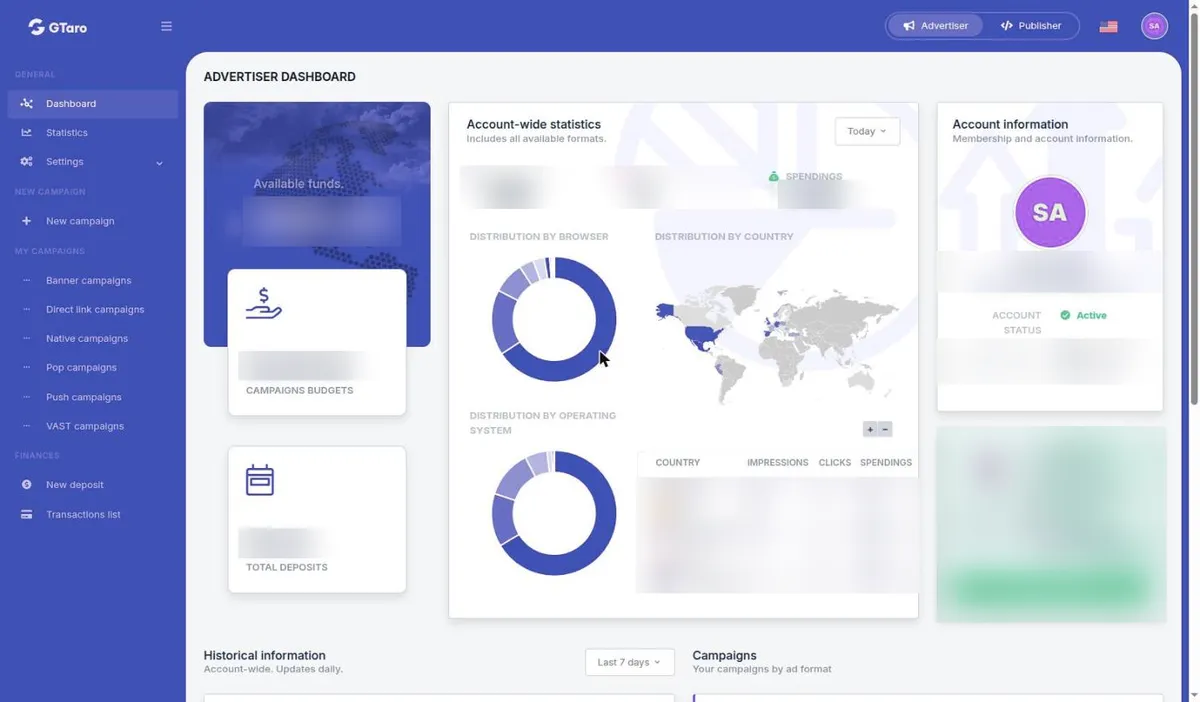
Campaigns run on a prepaid basis and stop when the available account balance is used up. Decide how much you plan to spend before you deposit.
Under section 5.6 of the Terms, funds added to your account balance can only be used to buy traffic. They are not refundable and cannot be withdrawn or transferred, including after account closure. Moving money between your account and a campaign budget does not change this.
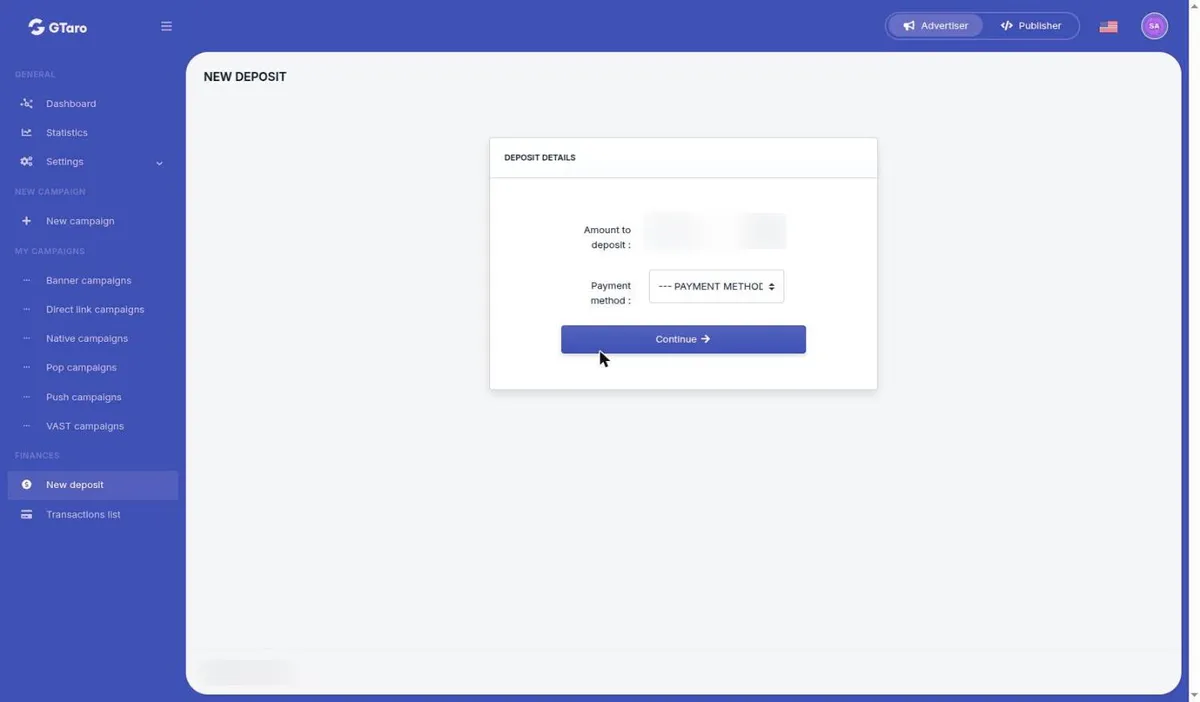
Balances are in USD. If you pay with a digital asset, the exchange rate is fixed when the deposit is confirmed, and network and exchange fees are paid by the sender. Compare the asset and network carefully before you send funds.
Yes, on request. Write to [email protected] or to your account manager and say which method you need. The minimum deposit of $100 applies. Other payment methods are not shown in the deposit form, so do not look for them there.
After you pay, check "Available funds" on "Dashboard". The advertiser menu also has "Transactions list" under "FINANCES".
Once your balance is funded, read how to create an advertising campaign. Campaigns and creatives are reviewed before and during delivery.


